Build / Automation
No-code automation flow
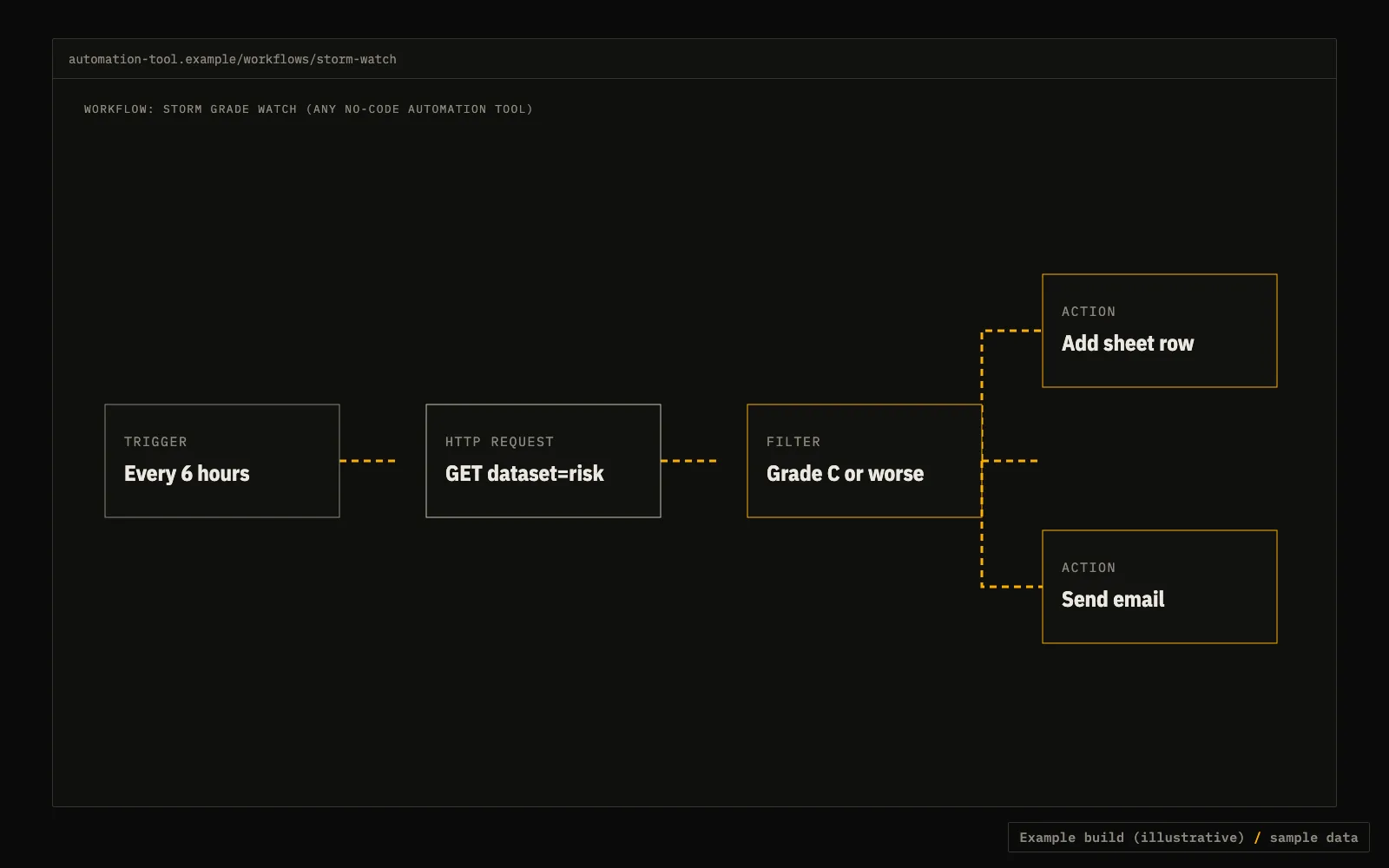
A scheduled workflow: fetch a county forecast, filter on grade, add a sheet row or send an email.
Zapier or n8nHTTP requestNo code
What it does
Any automation tool with an HTTP request step can call the API. Schedule a trigger, call the free county forecast, filter on the grade field, then send an email or add a row. The Python below does the same as a plain script.
- In a no-code tool the filter step is the same one-line check on the grade field.
- Store your key in the tool's credential store, not in a visible field.
API calls
Set your key once: export TFX_KEY=tfx_live_.... Free previews need no key.
HTTP step: county forecast
curl "https://data.truefixr.com/v1/data?dataset=risk&county=Dallas&state=TX"
Optional: grade many sites at once
curl -X POST -H "Authorization: Bearer $TFX_KEY" -H "Content-Type: application/json" -d '{"locations":[{"lat":30.27,"lon":-97.74}],"window":"24h"}' https://data.truefixr.com/v1/portfolio/riskCode (Python)
Cut down on purpose. Print the real response keys on your first call before you map fields.
import smtplib
from email.message import EmailMessage

import requests

API = "https://data.truefixr.com/v1/data"
WORSE = {"C", "D", "F"}


def run(county: str, state: str) -> None:
    d = requests.get(API, params={"dataset": "risk", "county": county, "state": state}, timeout=30).json()
    if d.get("grade") not in WORSE:
        return
    msg = EmailMessage()
    msg["Subject"] = f"Storm watch: {county}, {state} grade {d['grade']}"
    msg["To"] = "you@example.com"
    msg["From"] = "alerts@example.com"
    msg.set_content(f"{d.get('grade_label')}. Storm types: {d.get('storm_types')}. Forecasts can be wrong.")
    with smtplib.SMTP("localhost") as s:  # your own mail relay
        s.send_message(msg)


if __name__ == "__main__":
    run("Dallas", "TX")