Build / Agents
AI agent with the MCP server
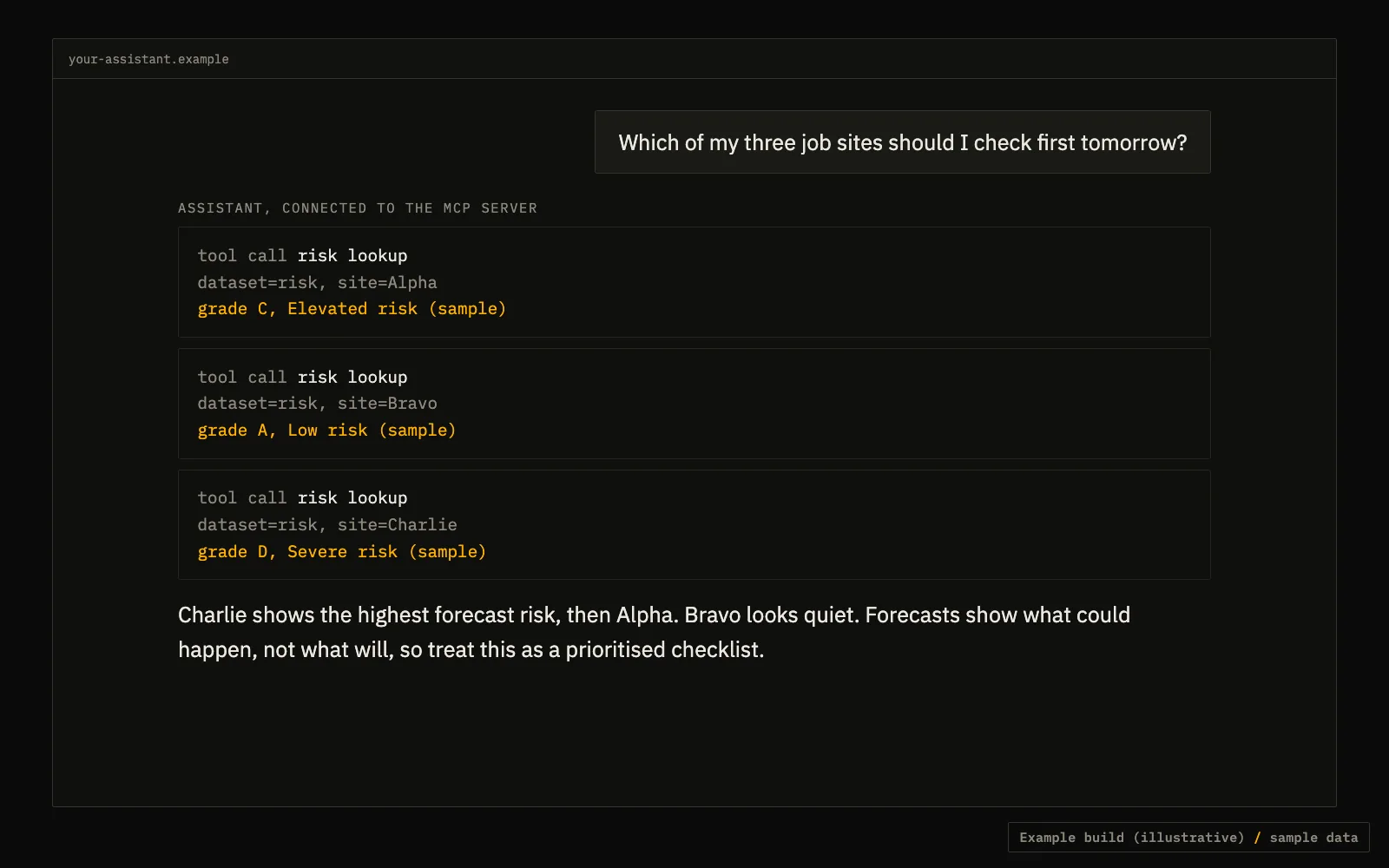
Plug an AI assistant into the MCP server and ask it plain questions about storm data.
TypeScriptMCPLLM of your choice
What it does
The MCP server at mcp.atlasunited.io lets an MCP-capable assistant find and call the data tools itself. Wire it into an assistant you already use, or connect from your own code and pass the tool list to your model.
- Check the tool names and argument shapes from listTools; do not hard-code them.
- Tell the model that forecasts show what could happen, not what will.
API calls
Set your key once: export TFX_KEY=tfx_live_.... Free previews need no key.
MCP server endpoint
https://mcp.atlasunited.io/mcp
Self-describing menu (for any agent)
curl https://data.truefixr.com/v1/data
Code (TypeScript)
Cut down on purpose. Print the real response keys on your first call before you map fields.
import { Client } from "@modelcontextprotocol/sdk/client/index.js";
import { StreamableHTTPClientTransport } from "@modelcontextprotocol/sdk/client/streamableHttp.js";

async function main() {
  const client = new Client({ name: "storm-agent", version: "0.1.0" });
  await client.connect(new StreamableHTTPClientTransport(new URL("https://mcp.atlasunited.io/mcp")));

  const { tools } = await client.listTools();
  console.log(tools.map((t) => t.name));

  // Pass `tools` to your model as its tool list. When the model asks for a tool,
  // forward it:
  //   const out = await client.callTool({ name, arguments: args });
}

main();