Build / Web apps
Storm address map
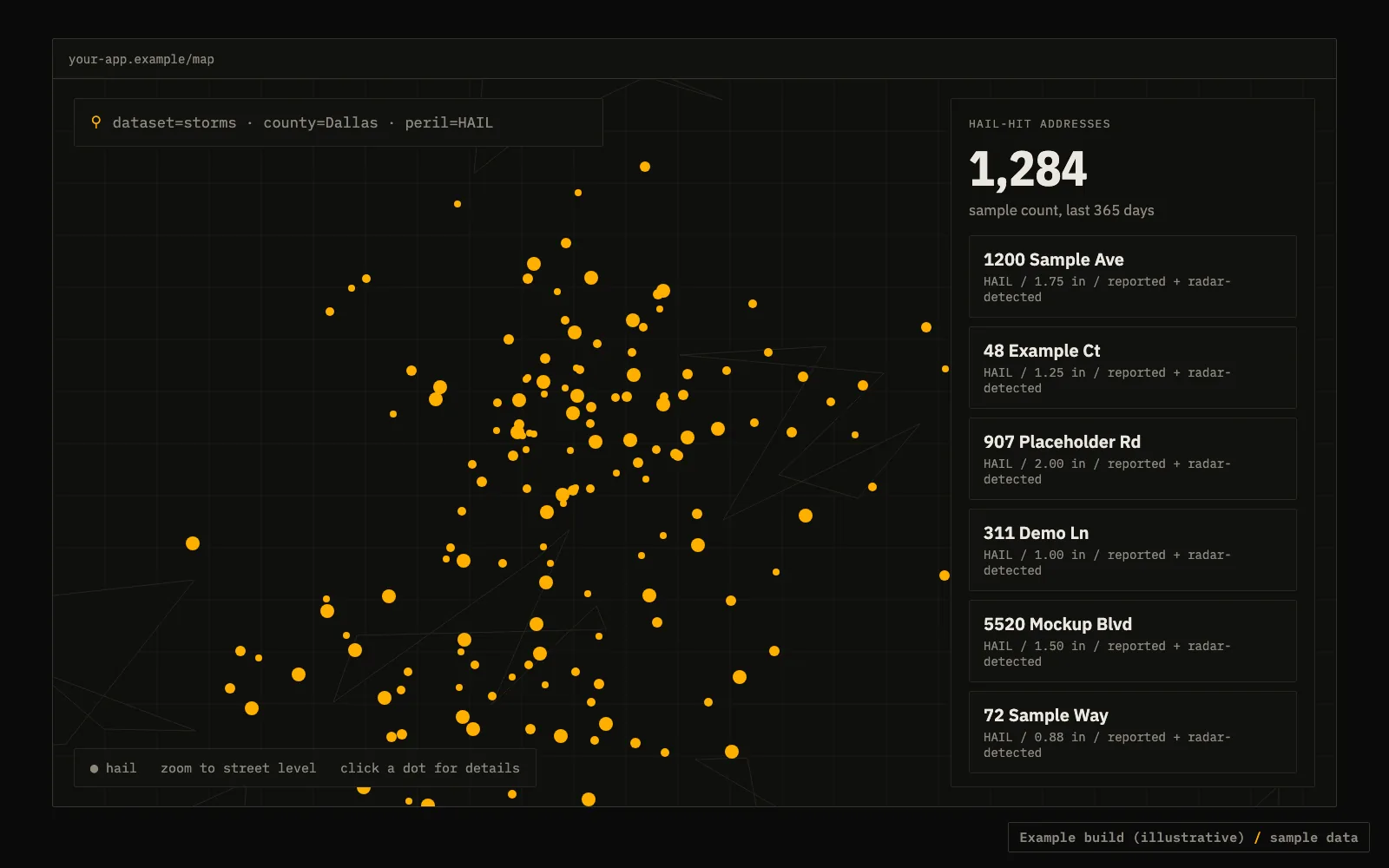
A map of reported and radar-detected storm addresses in one county, one peril at a time.
PythonFlaskLeaflet
What it does
A page with a map and a list. Your server asks the API for Past Storm Leads by Address in a county for one peril and hands them to the browser as JSON. The key stays on your server, never in the page.
- Run the free preview first and show the user the price before any paid pull.
- Cache results on your side. Repeat map views should not bill again.
API calls
Set your key once: export TFX_KEY=tfx_live_.... Free previews need no key.
Free preview: counts and price first
curl "https://data.truefixr.com/v1/data?dataset=storms&county=Dallas&state=TX&peril=HAIL"
Paid pull: the address records
curl -H "Authorization: Bearer $TFX_KEY" "https://data.truefixr.com/v1/data?dataset=storms&county=Dallas&state=TX&peril=HAIL&addresses=true&limit=500"
Code (Python)
Cut down on purpose. Print the real response keys on your first call before you map fields.
import os
import requests
from flask import Flask, jsonify, request

app = Flask(__name__)
API = "https://data.truefixr.com/v1/data"
KEY = os.environ["TFX_KEY"]  # keep on the server


@app.get("/api/storms")
def storms():
    params = {
        "dataset": "storms",
        "county": request.args["county"],
        "state": request.args["state"],
        "peril": request.args.get("peril", "HAIL"),
        "addresses": "true",
        "limit": 500,
    }
    r = requests.get(API, params=params, headers={"Authorization": f"Bearer {KEY}"}, timeout=60)
    r.raise_for_status()
    return jsonify(r.json())  # inspect the keys on your first response, then map them to pins


if __name__ == "__main__":
    app.run(port=8000)